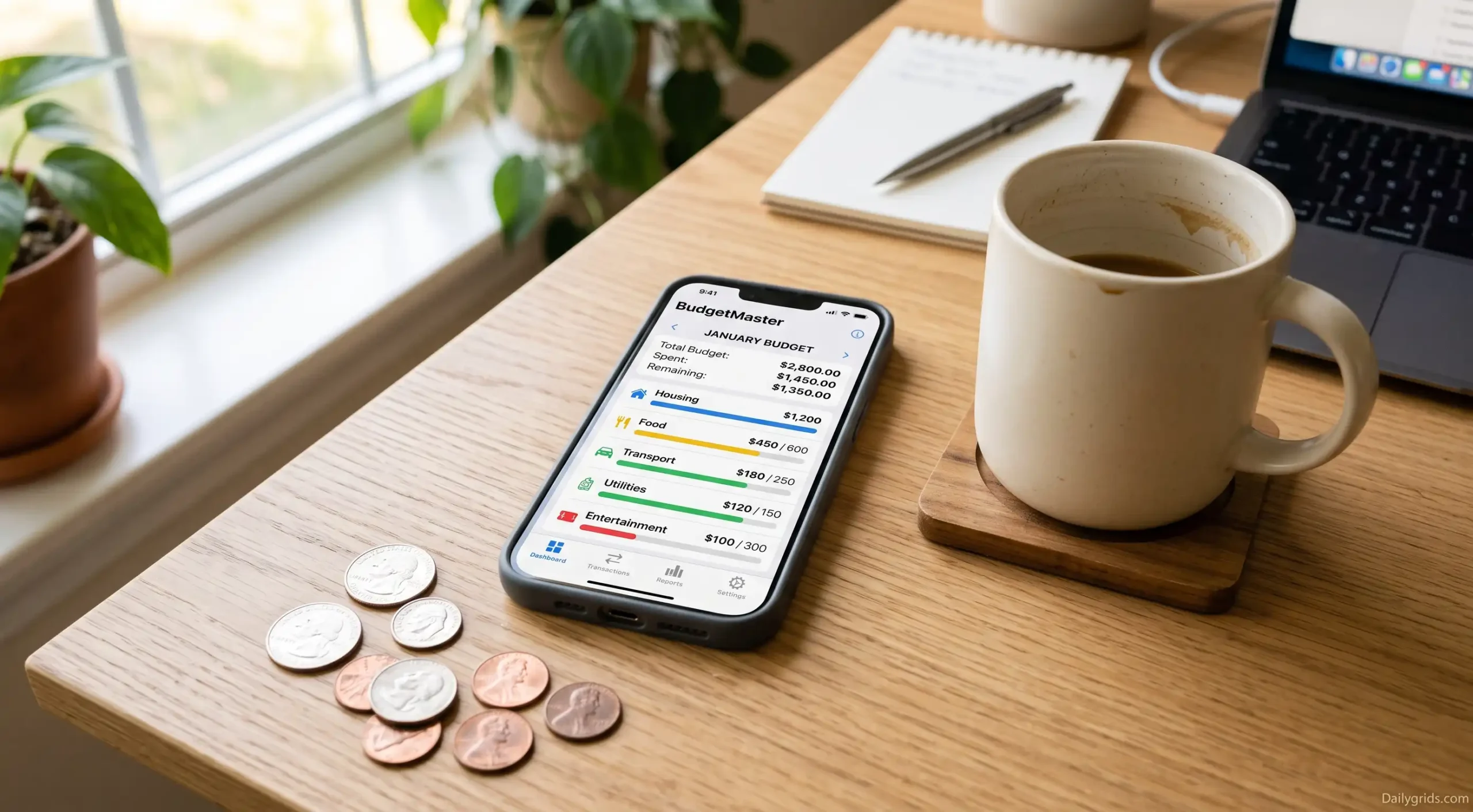


I tried three different budgeting apps before finding one that actually worked for me. And looking back, the problem was never the apps themselves. The issue was that I kept choosing apps designed for people who already knew what they were doing. They featured complex categorization systems, confusing charts, and functions that I neither understood nor needed at the time. If you are starting from scratch, you don’t need advanced features. You need something that shows you where your money is going without making you feel like you should have known it all along.
A friend of mine described her first attempt this way: “I felt as though I was filing my tax returns merely as a joke.” This piece is written to help you avoid that very feeling. If you are just starting, here are some suggestions. I would wholeheartedly recommend tips based on methods that worked for a few of my friends and me.
Why Most “Beginner” Budgeting Apps Don’t Actually Feel Beginner-Friendly
Here is what a Google search for the “best budgeting app” won’t tell you. Most of these apps were created by people who already understand budgeting, and it shows. They assume you know what should go into a “category,” how much detail to include, or why “groceries” should be kept separate from “household goods.” As a complete novice, you might find yourself stuck making three different decisions before you even enter your first transaction.
Apps that truly work for beginners share three common traits:
- You don’t need to understand budgeting terminology before getting started.
- They display clear key figures (such as how much spending money remains or where overspending occurs).
- They don’t penalize you for making mistakes during the first month because you inevitably will.
Keep these three things in mind while reading the list. Because the “best” app isn’t the one with the most features. The best app is the one that doesn’t make you want to quit by the second week.
Start Here If You’ve Never Budgeted Before
Goodbudget
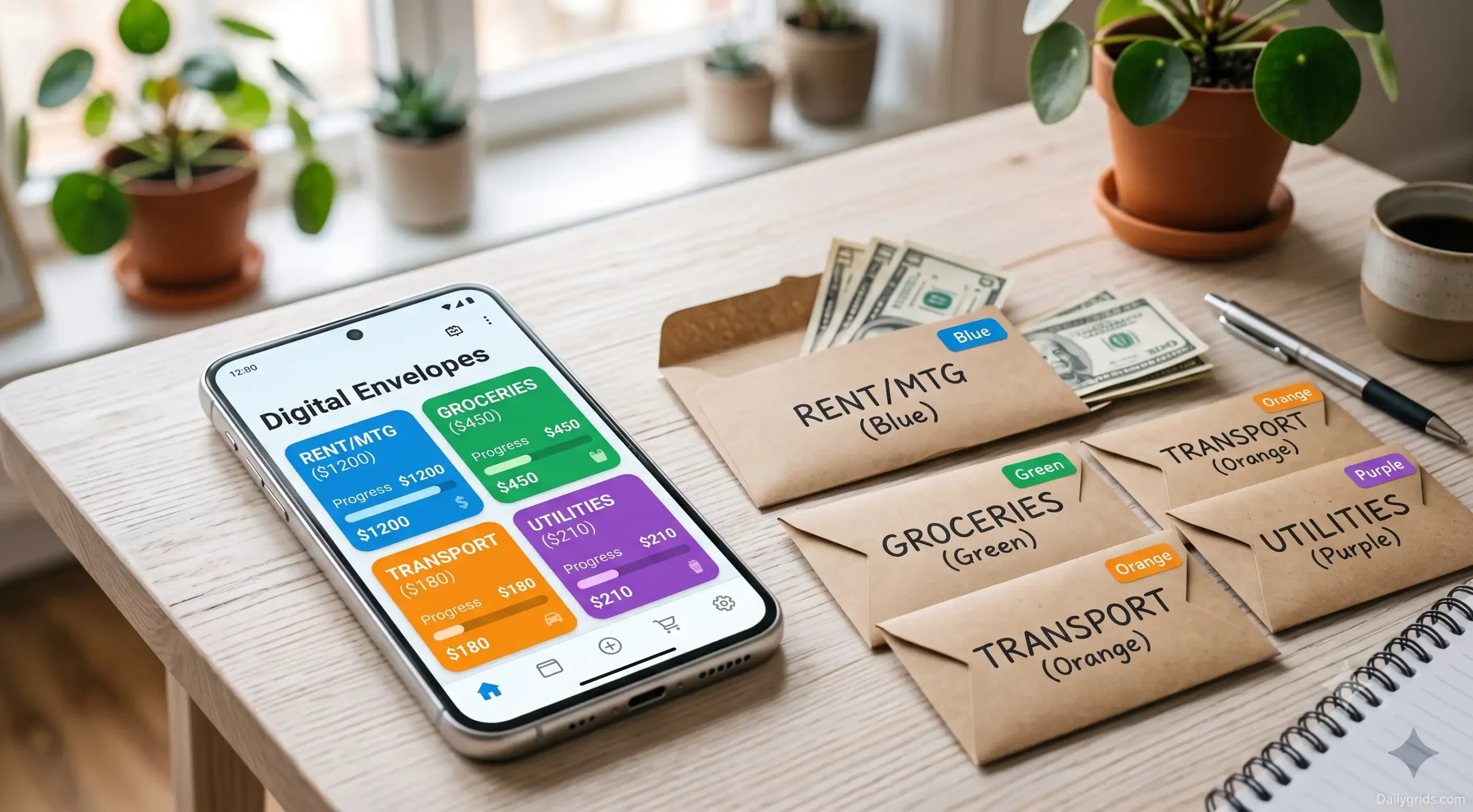
Goodbudget is based on the “envelope system,” a traditional method. Where cash for expenses like rent, groceries, and entertainment was kept in specifically labeled envelopes. With Goodbudget, you decide how much money to allocate to each envelope for the month. When the funds in an envelope run out. It signals that you should stop spending in that category until the following month.
This app is excellent for new users because its design is extremely clear and visual. There is no ambiguity about whether your budget is on the right track. Either there is money left in your grocery envelope, or there isn’t. It requires no percentage calculations, nor does it confront you with a confusing dashboard.
One downside: Goodbudget’s free version does not automatically link to bank accounts, meaning you have to enter transaction details manually. Some people might find this process tedious or tiring. However, for brand-new users, manually recording purchases during the first month helps reinforce the habit. It compels you to truly observe where and how much money is being spent. Rather than just glancing at an automated summary and moving on.
Best choice: For those who want a simple, uncomplicated system and do not mind entering data manually at the start.
EveryDollar
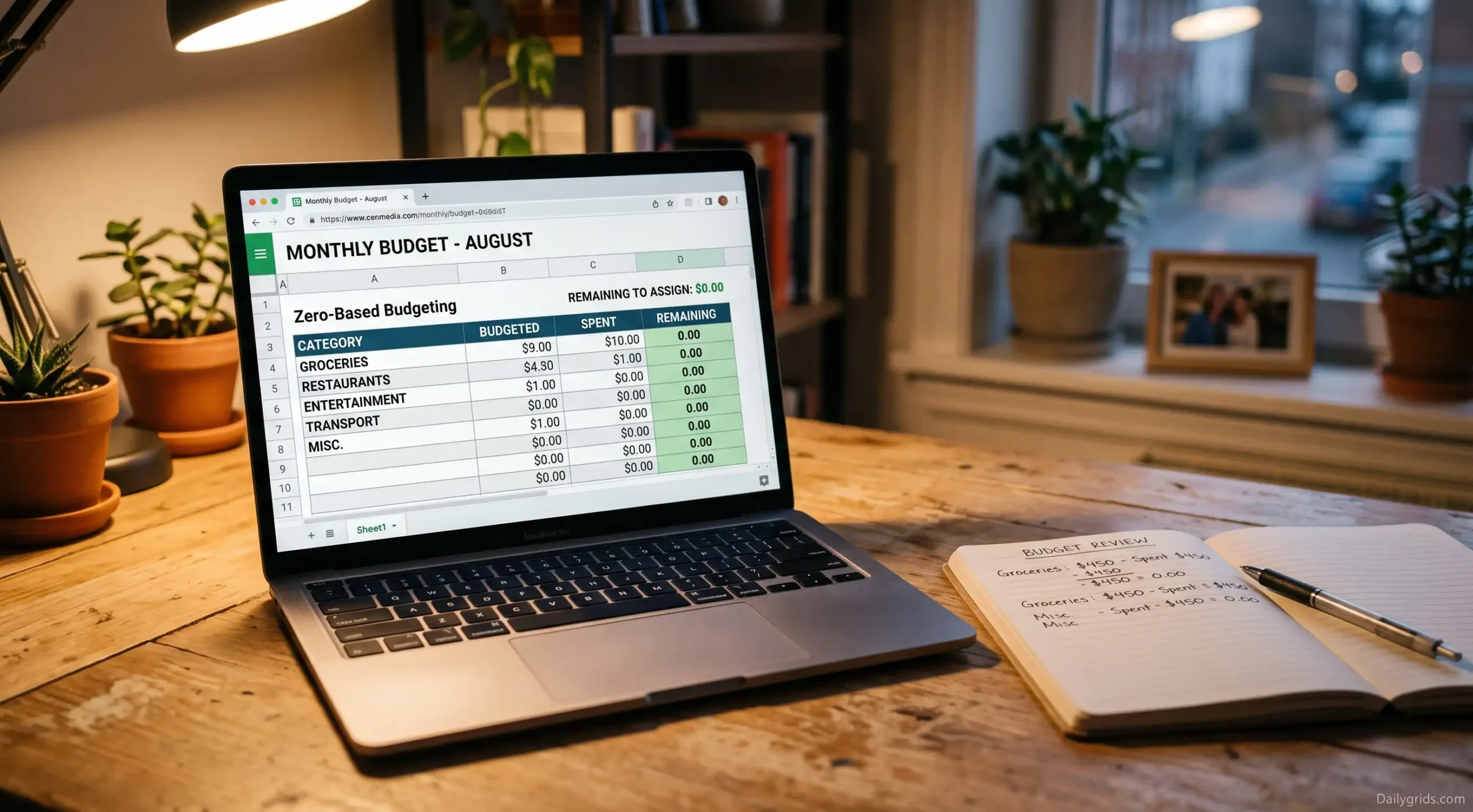
EveryDollar is built on the concept of “zero-based budgeting.” This means assigning a specific purpose or “job” to every dollar you earn. Whether it is for rent, savings, or the cost of a cup of coffee, before you actually spend it. While this approach might seem a bit strict at first glance. The app is designed to be incredibly easy to use. You enter your income, allocate funds across various categories until the balance reaches zero. And then track your expenses against those categories throughout the month.
The interface wasn’t designed to be cluttered. There are no complex financial terms, no investment trackers cluttering your budget screen, and no confusing net-worth graphs to distract. You are simply doing what you want to do: figuring out where your paycheck went.
Drawback: Like ‘Goodbudget’, the free version requires you to enter transaction details manually. Its paid version (Ramsey+) connects automatically to your bank account, but that decision can be deferred;d it is not immediately necessary.
Best Choice: For those who prefer the strict principle of “giving every dollar a job” but want to use the simplest version of it.
If you want everything to link up automatically
Manual entry works for some people, but if the mere thought of logging every coffee purchase makes you want to close the app before you even open it, then the next category might be a better fit for you.
Rocket Money
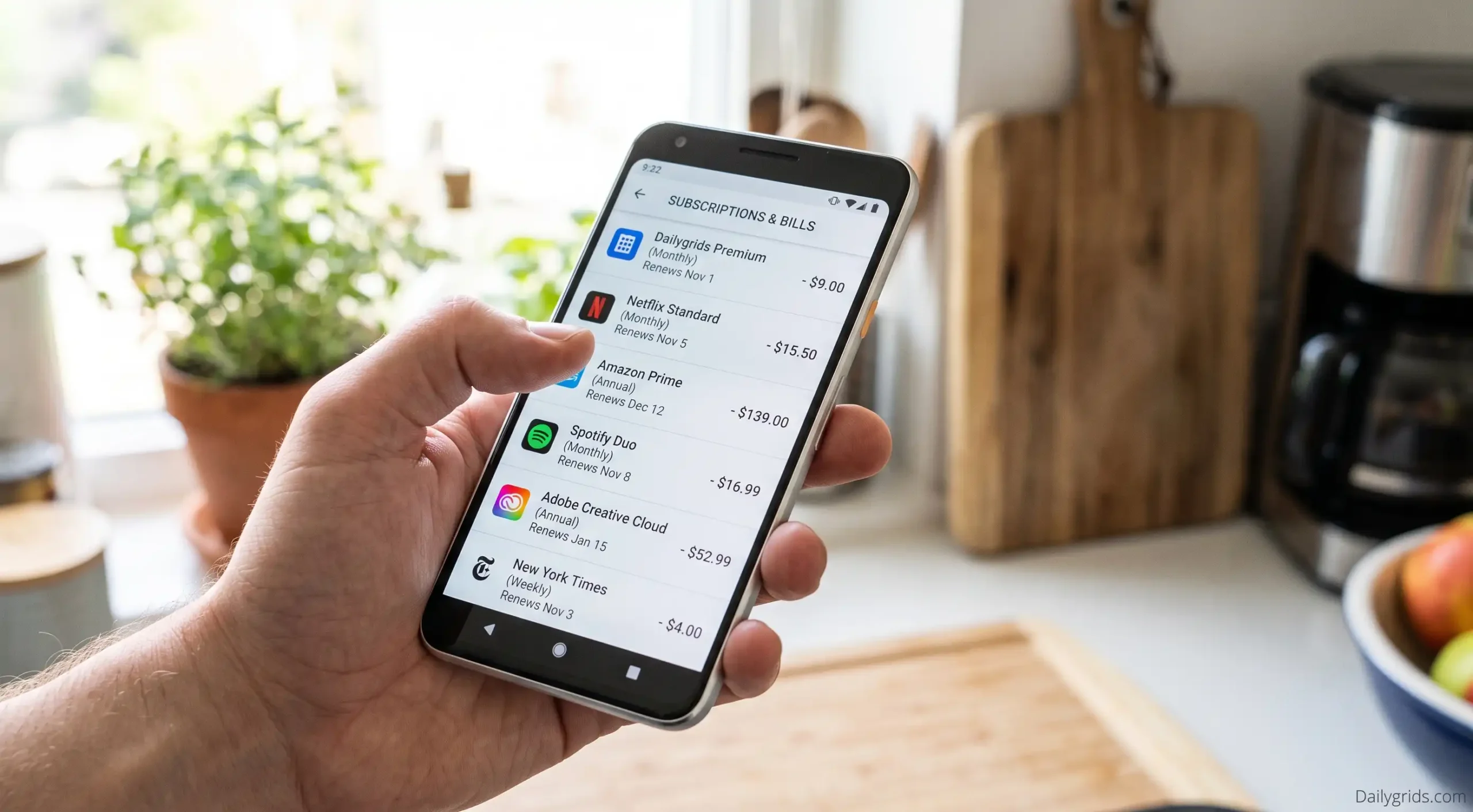
We discussed this in detail in a previous post about free apps that help save money. But it is worth mentioning again for new users. The automated tracking method offers a solution to a genuine problem. People often abandon ‘manual’ budgeting apps not necessarily because creating a budget is difficult in itself. But because remembering and recording every single transaction after a busy day is an exhausting process, and it is very easy to forget an entry along the way.
Rocket Money connects to your accounts to automatically retrieve transaction details and categorizes most of them without requiring any input from you. It identifies subscriptions you may have forgotten about and displays spending trends by category. And provides a comprehensive overview of your financial situation, all virtually without any manual setup. For new users, this ease of use often ensures they continue using the app beyond the second week. This is a factor far more significant than any list of the app’s features.
Downside: Automatic categorization isn’t always perfect. You may occasionally need to correct a transaction assigned to the wrong category, and some free features (such as detailed budgeting tools) are gradually being moved to paid tiers.
Best choice: For those who want to know where their money is going. Without manually keeping a record of every purchase.
Credit Karma

If the mere thought of categorizing every purchase feels exhausting from the start. ‘Credit Karma’ offers a sensible, low-effort starting point. It isn’t a dedicated budgeting app in the traditional sense; its focus is primarily on providing a comprehensive overview of your accounts, credit score, and spending. But for anyone who has never seen the full picture of their financial situation, this summary alone can be eye-opening.
Think of it as an “all-in-one” starting point rather than a specialized budgeting tool. Once you have a clear picture of the overall situation. You can decide whether or not you need a more structured app (such as Goodbudget or EveryDollar) to go along with it.
One downside is that it doesn’t facilitate category-by-category budgeting the way a dedicated app does. While it serves as a good first step, it may not prove to be a long-term solution on its own.
This is ideal for those who have never assessed their overall financial situation and are looking for a low-effort starting point. Before adopting a comprehensive budgeting system.
If you learn best through a structured approach and guidance
Some people do not want to rely solely on the simple ‘envelope system ‘. They prefer a method that offers hands-on learning, even if it requires a bit more effort upfront. If this sounds like you, it would be worth considering these two methods.
YNAB (You Need a Budget)
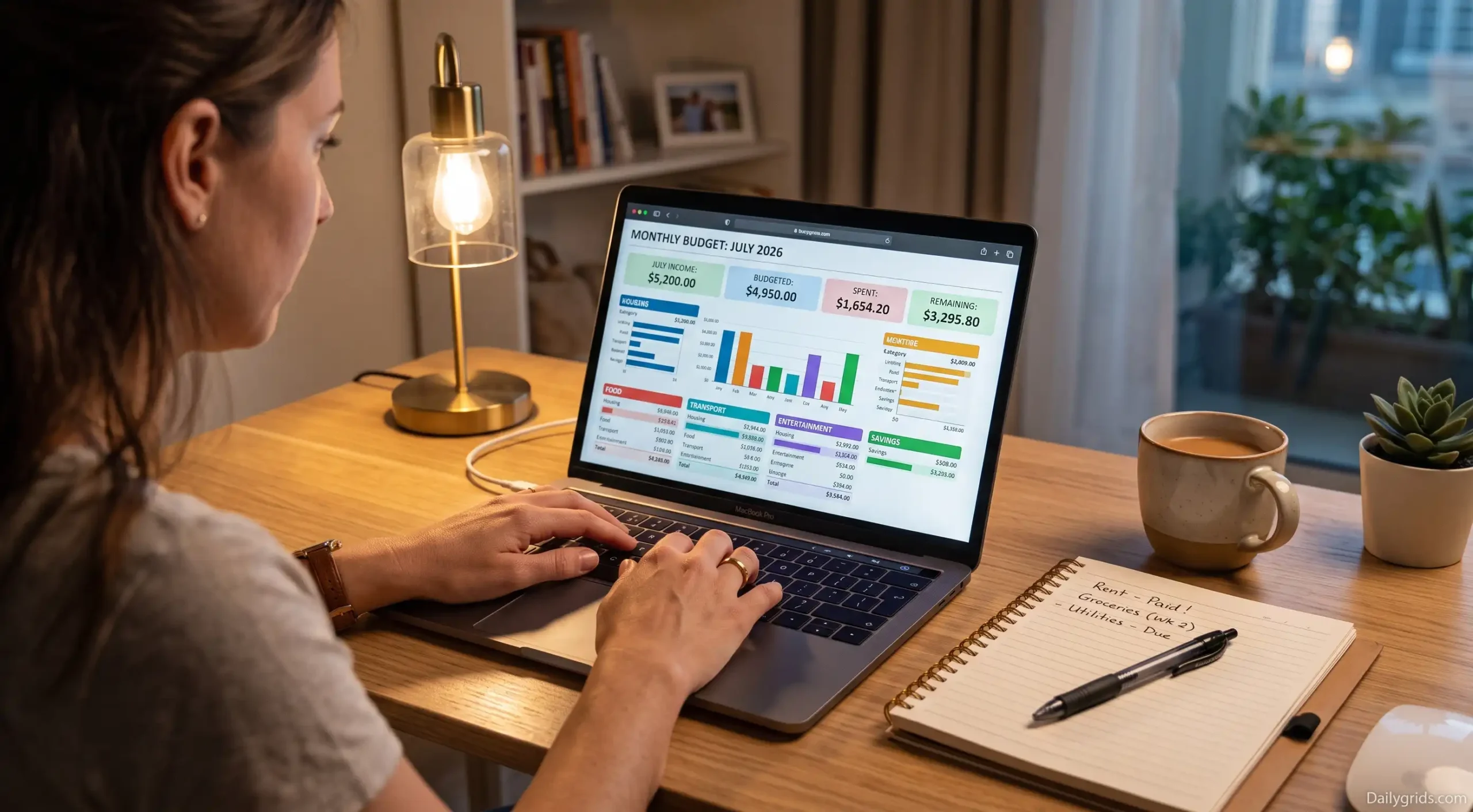
Compared to other apps on this list. YNAB requires more active engagement and an investment of time and effort to learn. However, its approach is designed with new users specifically in mind rather than simply displaying a summary of expenses. It teaches you a unique and practical way of thinking about money.
The fundamental principle of this concept is very simple. Although applying it to daily life requires some practice, assign a specific purpose to every rupee before it leaves your pocket.
If an unexpected expense arises, do not assume your budget has failed; simply shift the money wisely from one category to another.
One potential downside is that YNAB is not free in the long run. Although its trial period is currently around 34 days, students often receive free access for a full year. This is long enough to thoroughly evaluate whether the method suits you,
It is an excellent choice for those who want to learn how to budget effectively rather than simply keeping a record of figures and are willing to navigate the initial learning curve.
PocketGuard
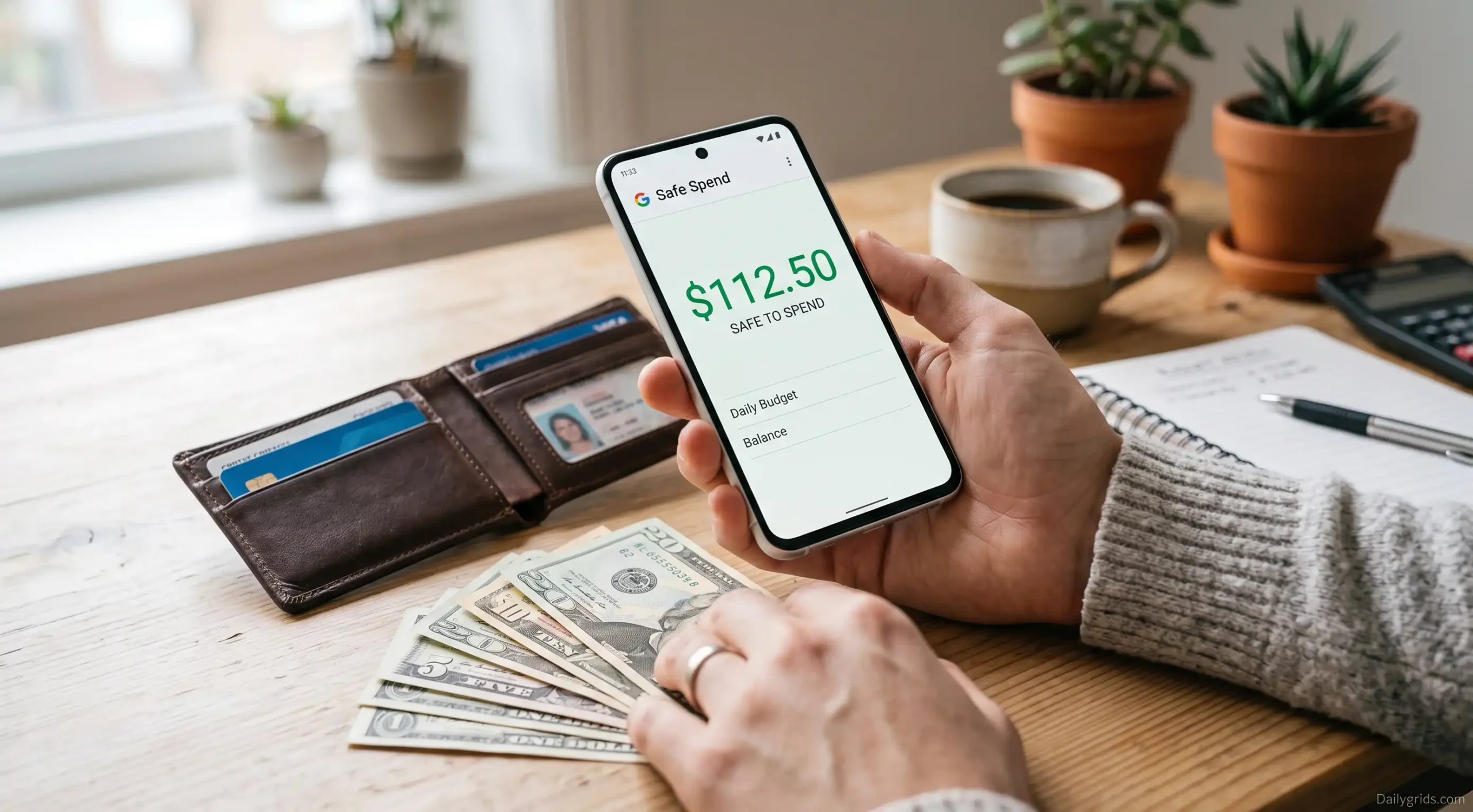
PocketGuard was developed based on a specific question that many people often quietly grapple with: “How much can I spend right now without compromising my bill payments or savings?” Instead of presenting dozens of categories and requiring you to do the math yourself, the app provides a single figure often referred to as “in my pocket.” This number represents the amount safely available for spending after deducting bills, savings goals, and essential expenses.
This is particularly useful when you are new to budgeting and constantly unsure whether you can afford a purchase without mentally checking three different account balances. It simplifies the decision-making aspect of budgeting, often the area where beginners struggle the most.
The downside: Since it boils everything down to a single number, it is less detailed than apps like YNAB or EveryDollar if you eventually want granular, category-by-category control.
Best for: People who get overwhelmed by detailed categories and simply want the answer to the question, “Can I afford this?”
Monarch Money
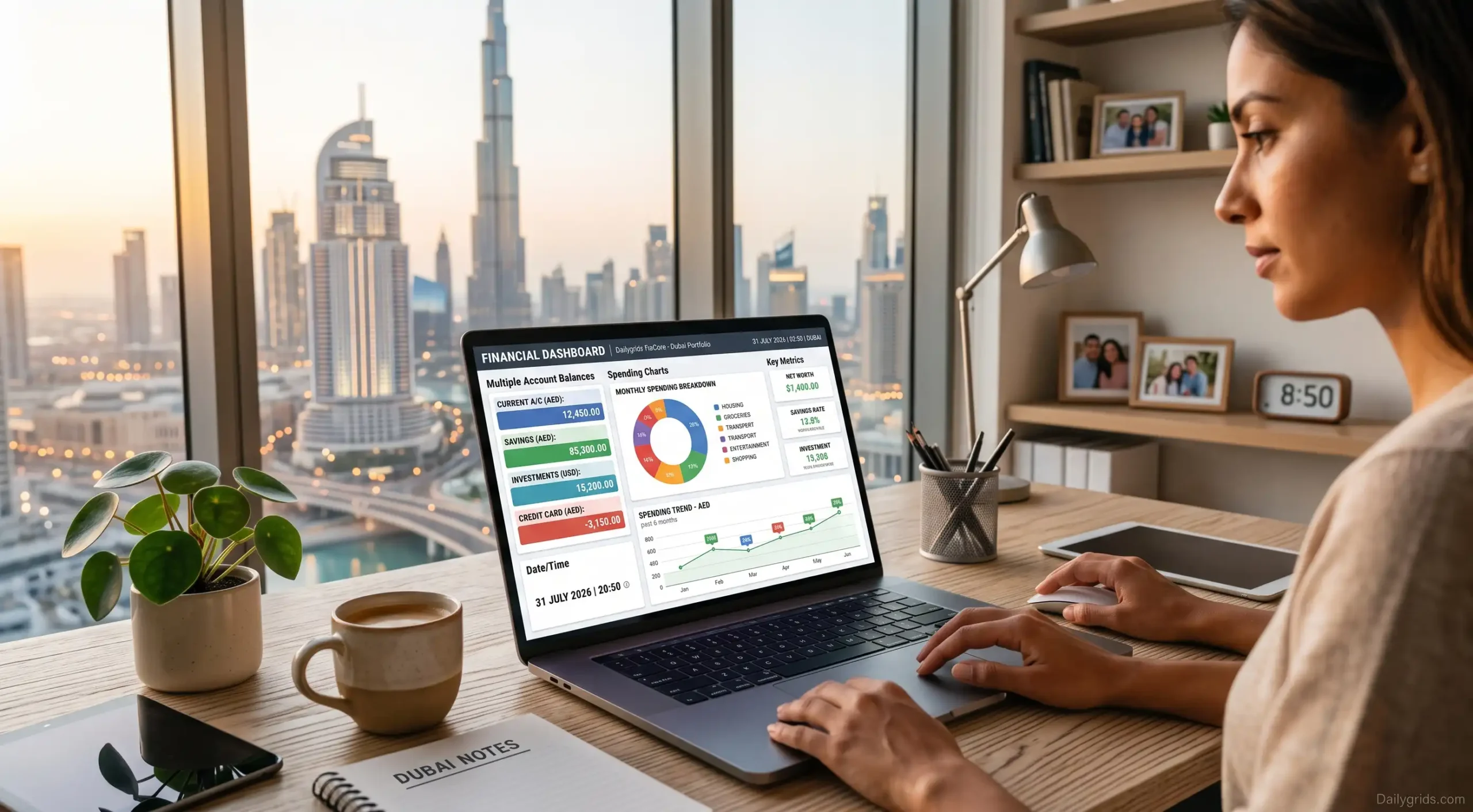
Following the discontinuation of the ‘Mint’ service, ‘Monarch’ has emerged as a top choice for those seeking a robust financial tool. The app consolidates all your bank accounts, monthly budgets, and net worth onto a single, dynamic dashboard.
Compared to conventional apps designed for the average user. ‘Monarch’ offers far greater depth and detail, along with a wealth of features. Its comprehensive structure might feel somewhat complex or overwhelming during the initial setup. Once you move past the learning curve, those very details become its greatest strength. It is an excellent upgrade for individuals who want complete control over their finances and an accurate, long-term financial overview.
It is an excellent choice for users who have moved beyond the basics. Want a single dashboard for everything, and do not mind a bit of system complexity.
A Simple Spreadsheet (Yes, Really)
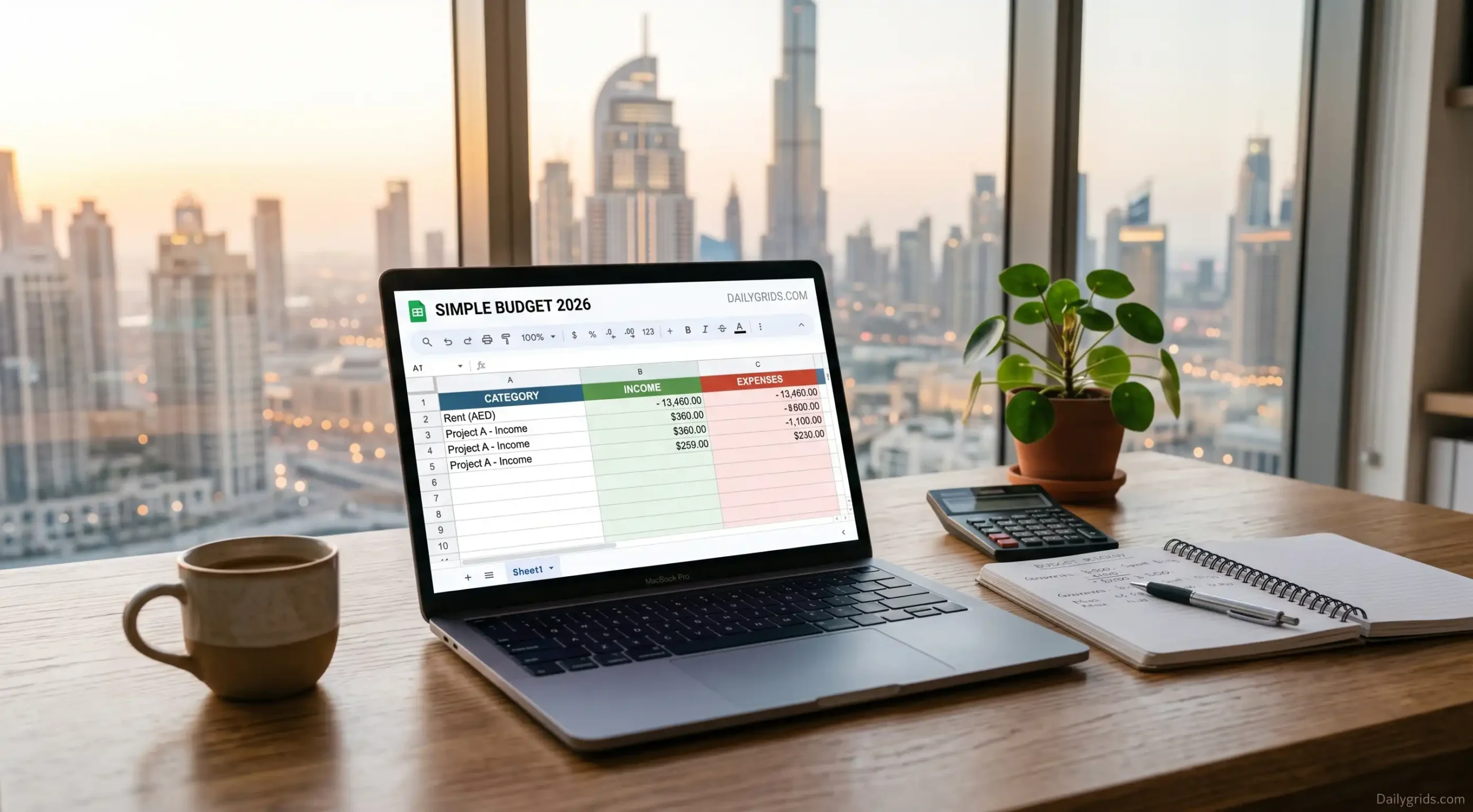
This isn’t a digital app, but it is worth mentioning because many people’s journey into budgeting begins here—I started this way myself. It involves a simple Google Sheet or Excel spreadsheet with just three basic columns: Income, Expenses, and Savings (remaining balance).
Its greatest advantage is that it is completely free, requiring no app installation. Moreover, manually entering each figure ensures you do not inadvertently commit to a recurring or ongoing expense. Therefore, if you are unsure about using an app or find one too complex. Trying this simple method for 30 days is the wisest course of action before opting for paid software.
This is perfect for those who want to try out the habit of budgeting before committing to app subscriptions or dealing with complexities.
How to Actually Choose Between These
If you have read this far and still cannot decide, here is a simple way to think about it:
- If you want an extremely simple system: Goodbudget or EveryDollar
- If manually entering transactions feels like a hassle: Rocket Money or Credit Karma
- If you want to learn a specific budgeting method rather than just tracking expenses: YNAB
- If detailed categories confuse you and you simply want to know a clear figure (amount): PocketGuard
- If you aren’t yet fully committed to using an app regularly, start using a spreadsheet for a month.
Successful budgeting depends primarily on regular review, even if it is just a quick, two-minute glance every few days. An app that may not be the absolute best, but is opened consistently. is far superior to a “best-in-class” app that you abandon after just ten days.
Is It Actually Safe to Connect Your Bank Account?

This question arises almost every time I recommend one of these apps, and it is a valid concern before linking any financial account to a third-party app. The short answer is that reputable budgeting apps, including all those listed here, use banking-grade encryption and do not store your actual banking password on their servers. Instead, most of these apps rely on secure connection services (such as Plaid) that have been vetted and verified by banks and work directly with them.
However, being “secure” does not mean being “risk-free,” regardless of which app you choose. Adopting a few basic habits is beneficial:
- Link your accounts only through the app’s official sign-in process; never do so via a link sent by someone else.
- Regardless of which budgeting app you use, make sure to enable ‘two-factor authentication’ directly on your bank account.
- Periodically review your security settings to see which apps have access to your bank account. And remove any apps you are not using.
- Be wary of any budgeting app that asks for your bank password directly instead of using a secure connection service.
If you are hesitant to link your full bank account. Many apps on this list (such as the free versions of Goodbudget and EveryDollar) allow you to enter transaction details manually. Eliminating the need to link an account altogether. Although this requires more effort, it is an excellent choice if security is your top priority.
Common Mistakes Beginners Make (And How to Avoid Them)

Trying to create a perfect budget on day one
Your first budget will be flawed. You will underestimate food expenses, overlook annual subscriptions, and perhaps allocate an unrealistically low amount for “entertainment.” This is normal. Treat your first month as a data-gathering period rather than a final plan.
Creating too many categories
A common mistake beginners make is creating fifteen categories because it feels comprehensive. In practice, this turns budget tracking into a chore.
Start with five or six broad categories.
(housing, food, transportation, bills, savings, and miscellaneous) and get more specific later only if it is truly necessary.
Giving up after a bad week
Overspending for a week doesn’t mean your system has failed; rather. It means you have gained a realistic understanding of your habits. People who stick to a budget long-term aren’t those who never overspend. They are the ones who don’t give up immediately when it happens.
Not reviewing it at all.
Conversely, a common mistake is creating a budget but never looking at it again. Taking just five minutes on a Sunday to review the remaining balance in each category keeps the entire system effective otherwise. It simply becomes an app you downloaded but then forgot about.
Budgeting When Your Income Isn’t the Same Every Month
Most budgeting advice implicitly assumes that you receive a consistent paycheck every two weeks. And while this approach works well if that is your situation, many people work as freelancers. Hold commission-based jobs, or work shifts with hours that change weekly. If this applies to you, some of these apps handle irregular income better than others.
Base your budget on the funds you currently have, rather than on money you expect to receive. Instead of planning based on average monthly income,e which is never guaranteed. Create your budget using the actual funds in your account. This approach to managing irregular income is far more suitable than using apps designed for fixed salaries.
‘Goodbudget’ proves quite useful for this purpose, especially because its ‘envelope system’ operates independently of the source of funds. Regardless of the amount or timing of receipt, you allocate the money into various ‘envelopes’ as soon as it arrives. In contrast, apps designed with a fixed, regular salary in mind can feel cumbersome to use when monthly income fluctuates.
If this applies to your situation, it would be useful to create a specific “buffer” category (for extra savings) to set aside funds during high-income months for use during low-income months. While none of these apps do this automatically, most allow you to create a category for this purpose.
What to Do If an App Isn’t Working After a Few Weeks
You might select an app from the list, use it for a few weeks, and then realize it isn’t the right fit for you. Before concluding that budgeting isn’t for you, it is important to identify the actual problem; the solution is often much simpler than merely switching apps.
If you forget to log your purchases, the reason is likely not a lack of commitment or interest, but rather that you chose an app requiring manual data entry when you actually needed an automated one. Therefore, before giving up on budgeting entirely, try using ‘Rocket Money’ or ‘Credit Karma’.
If you are logging everything but the categories feel meaningless, there is a strong possibility that you have created too many of them. Reduce the number to five or six general categories and resist the urge to get bogged down in excessive detail until this fundamental habit becomes second nature.
If you use the app but never check the figures before spending, the problem lies not with the app, but with the timing. Instead of reviewing past expenses just once a week, take ten seconds to check your budget—especially before purchasing anything that isn’t essential.
If opening the app causes stress every time, you might have chosen one that provides more detail than is necessary for your current level. That is precisely why PocketGuard’s ‘single-number’ approach was designed; sometimes, having fewer details is what ensures the app remains useful and practical in the long run.
Many people who successfully manage their budgets over the long term did not choose the right app on their very first attempt. The goal is not necessarily to find the “best” app immediately, but rather to select one that aligns with your mindset and perspective on money, a process that often involves some trial and error.
A Realistic Example of How This Plays Out
To cut a long story short, here is essentially what happened when I helped a friend get organized. She started using Credit Karma simply to view her complete financial picture for the first time, which was useful in itself. She hadn’t realized how much money was going toward subscriptions and small, recurring charges. After tracking her spending for about two weeks, she turned to Goodbudget, particularly because the “envelope system” made it clear to her without any complex calculations when she was overspending on dining out.
The first month was not exactly ideal. By the second week, the funds allocated for leisure activities had run out, forcing a reallocation of money set aside for “clothes,” precisely the kind of adjustment one expects early on. By the third month, the expense categories had become realistic enough that the need to shift funds between them rarely arose, and checking the app had transformed from a burdensome chore into a simple, five-minute Sunday habit.
This is a fairly common approach: keep things simple, treat the first month as a trial period, and—rather than relying solely on estimates from the start allow the system to become progressively more accurate as you gain a practical understanding of your spending habits.
A Simple First-Week Plan, If You’re Not Sure Where to Start
If all of this seems overwhelming or complicated, here is the easiest way you can get started:
Select one app from the list based on the “How to Choose” section above.
- Spend fifteen minutes setting up five or six general categories—there is no need to get into excessive detail.
- Track your expenses for a week, but avoid passing judgment on your spending habits during this time. Do not try to cut costs just yet; simply observe.
- At the end of the week, review where your money actually went and make appropriate adjustments to any categories where the figures surprised you.
- Repeat this process for the second week and make further changes as needed.
- Most guides create the impression that creating a budget requires a complete overhaul of your finances from day one.
In reality, that isn’t the case; it simply requires consistency for a few weeks—until the process no longer feels like a burden or an unpleasant chore.
Which budgeting app did you use, and did it actually work for you? Do let us know in the comments—we are preparing a follow-up post based on people’s experiences.
When It Actually Makes Sense to Upgrade to a Paid Plan
Every app on this list delivers excellent performance for free, at least enough to help you cultivate the habit of tracking expenses and gain a realistic understanding of your spending. However, at some point, it is natural to wonder whether the app’s ‘paid version’ offers good value for money. The brief guide below will help you decide when upgrading is truly worthwhile, rather than simply acting on the app’s frequent prompts to do so.
Upgrade only when the free version is genuinely hindering you, rather than merely causing minor annoyance. Most apps constantly prompt you to upgrade, regardless of whether you actually need the premium features. The real criterion is whether you are facing significant limitations such as running out of categories, needing bill negotiation services, or wanting automatic bank syncing that isn’t available in the free version.
Upgrade only once it has become a habit, not before. Paying for the premium tiers of YNAB or EveryDollar without knowing if the method actually works. You are spending money on a habit that hasn’t proven its value yet. Make the most of the free trial or free tier first, and only pay when you are certain you will continue using it.
Compare the cost against the actual savings generated. For instance, Rocket Money’s bill negotiation feature often pays for itself if it successfully lowers just one recurring bill. On the other hand, YNAB’s annual cost is only worthwhile if its budgeting method meaningfully changes your habits, not simply because the app looks appealing.
For most absolute beginners, sticking to the free tier at least for the first two to three months is the right move. By then, you will know whether the app aligns well enough with your habits to justify paying for its additional features.
Frequently Asked Questions
Disclosure: This post is for educational purposes. Daily Grids may earn a commission from affiliate links on this site at no extra cost to you. See our Disclaimer for details.
Discover more from Daily Grids
Subscribe to get the latest posts sent to your email.