
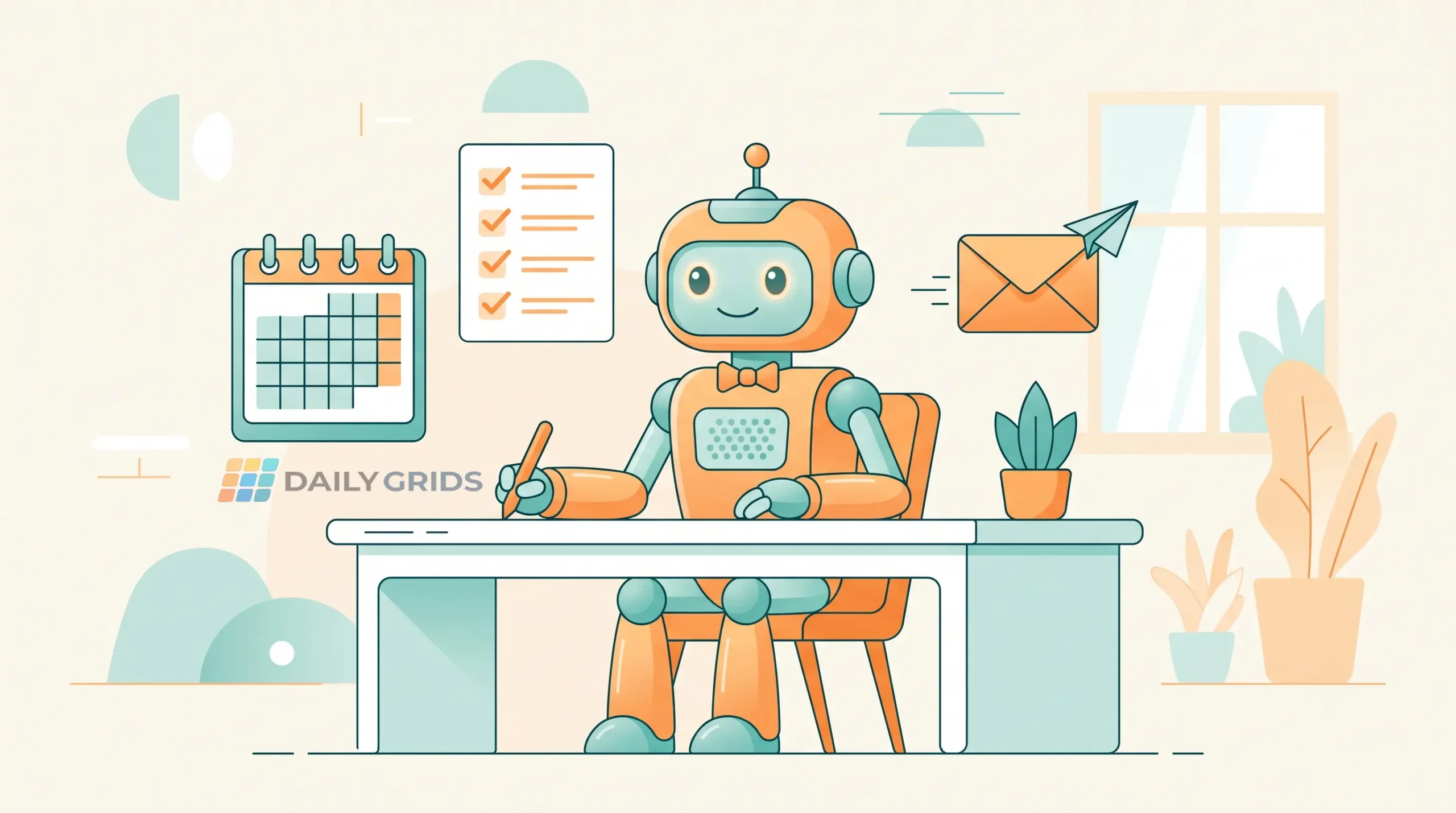

A few months ago, I looked into hiring a virtual assistant. Then I looked at the monthly cost and quietly closed the tab. If you’ve had the same reaction, I get it — a VA sounds great until you see the price tag, especially if you’re a freelancer, small business owner, or just someone drowning in admin work with no budget for extra help.
Here’s the thing though — a lot of what a VA actually does day to day (scheduling, drafting replies, organizing tasks, quick research) can now be handled by free AI tools. Not perfectly, and not for everything, but enough to genuinely lighten your load without spending a rupee.
What a “VA Replacement” Actually Means Here
Let’s be real — none of these tools will fully replace a human who knows your business inside out. What they will do is take over the repetitive, time-consuming parts: the scheduling back-and-forth, the first draft of an email, the research you’d normally Google for twenty minutes. Think of it less as “hiring an assistant” and more as “removing the annoying 30% of your to-do list.”
Motion (AI Scheduling Assistant)

Half of what a VA does is manage your calendar — fitting in meetings, avoiding double-bookings, protecting focus time. Motion does this automatically. You tell it your tasks and priorities, and it rearranges your calendar around them, moving things when something urgent comes up. It genuinely feels like someone else is managing your time instead of you constantly checking your calendar.
Replaces: Calendar management, meeting scheduling
ChatGPT (Drafting and Quick Research)

This one’s obvious by now, but it’s worth repeating because of how much ground it covers. Need a first draft of an email, a quick summary of a topic, or help organizing your thoughts before a call? ChatGPT handles it in under a minute. It’s basically the “get me a rough draft” assistant that never gets tired of your requests.
Replaces: Email drafting, quick research, brainstorming
Notion AI (Task and Project Organizing)
A good VA keeps your projects from falling apart quietly in the background. Notion AI does something similar inside your workspace — it can summarize messy notes, turn a vague idea into an organized project plan, and keep track of what’s pending. If you’re the type who has ideas scattered across five different note apps, this pulls it all into one place.
Replaces: Task organizing, project planning, note summarizing
Otter.ai (Meeting Notes)

Otter.ai does this without anyone sitting in awkwardly — it transcribes the meeting and pulls out the key points automatically, so you can actually focus on the conversation instead of scribbling notes the whole time.
Replaces: Meeting notes, transcription, follow-up summaries
Zapier (Repetitive Task Automation)

This one’s a bit different from the rest — instead of doing a task for you directly, it connects your apps so tasks happen automatically without you lifting a finger. New form submission? It can add it to a spreadsheet, send you a Slack message, and email the client, all on its own. A VA would normally handle this kind of repetitive connecting-the-dots work.
Replaces: Repetitive manual tasks, app-to-app workflows
Where This Approach Falls Short
To be fair, there are things a real VA does that no AI tool handles well yet — picking up the phone for you, handling sensitive client relationships, or making judgment calls that need real context about your business. If your workload genuinely needs that level of hands-on help, these tools are a supplement, not a full replacement.
But if you’re mostly drowning in scheduling, drafting, and repetitive admin tasks, this combination can realistically save you several hours a week — for free.
How to Actually Start Using These
Don’t try to set up all five at once — that usually ends with none of them being used properly. Pick the one task that annoys you the most right now. If it’s your calendar, start with Motion. If it’s your inbox, start with ChatGPT. Get comfortable with one, then add the next.
Which task would you most want to hand off to an AI tool — scheduling, emails, or something else? Let us know in the comments.
Frequently Asked Questions
Disclosure: This post is for educational purposes. Daily Grids may earn a commission from affiliate links on this site at no extra cost to you. See our Disclaimer for details.
Discover more from Daily Grids
Subscribe to get the latest posts sent to your email.





Pingback: 10 Simple Life Hacks to Save Time Every Morning - Daily Grids Life Hacks
Pingback: Easy Kitchen Hacks That Actually Work - Daily Grids